

Blog / Automotive
AutomotiveWhy Cost Simulation Tools Are Important for Manufacturing

Cost It Right
Nov 20, 2026
Listen to this article
AI narration • 13:57 listen
0:00 / 13:57
Steel goes up 6% and someone asks what it does to the price of the finished product. Without a cost simulation tool, the answer takes days. This guide explains why these tools matter for manufacturing, what they do and how they work, and walks through a steel price rise in rupees, from each part up to the finished good.
Why are cost simulation tools important for manufacturing?
Cost simulation tools are important because input costs change faster than cost sheets get updated. A simulation shows what a steel, machine rate or overhead change does to every part and finished good before you approve it, so teams negotiate, price and budget with numbers instead of guesses.
Five reasons, with the numbers from the example further down:
You get the answer in minutes. Without a tool, someone opens each cost sheet, changes the rate and adds up the finished good by hand. In the example, one steel change touches three parts and the assembly.
You see which change matters. Steel up 6% adds Rs 18.10 to the motor mount. Overheads up two points add Rs 2.58. Attention goes to the bigger one.
You negotiate with facts. When a supplier asks for Rs 20 more on a part, the simulation shows how much of it the steel rise explains.
You plan before the hit. Finance can see the effect of a price move before it reaches purchase orders and budgets.
You keep control. Nothing changes until it is approved, and the old cost stays on record for comparison.
What is a cost simulation tool for manufacturing?
A cost simulation tool recalculates your costings after you change an input, such as a raw material rate, machine hour rate, overhead or exchange rate. It shows the new cost of each part and finished good before you approve anything. It answers "what happens to our cost if this changes?" without editing every cost sheet by hand.
The phrase is used for three different jobs, so check which one you need:
Type | Question it answers | What you change | Who uses it |
|---|---|---|---|
Design-stage simulation | What will this design cost to make? | CAD model, material, process route | Design and cost engineers |
Master-change simulation | What happens to the costs I already have when a rate moves? | Raw material, machine hour rate, overheads, profit, freight, exchange rate | Cost engineering, procurement, finance |
Quote and price simulation | What price do I quote at this volume or margin? | Volume, margin, payment terms | Sales and pricing teams |
This guide focuses on master-change simulation, because that is the one that protects margin when prices move.
What can you simulate in manufacturing cost?
Anything that sits in a cost sheet as a rate or a percentage can be changed and simulated.
What you change | What moves | Who usually asks |
|---|---|---|
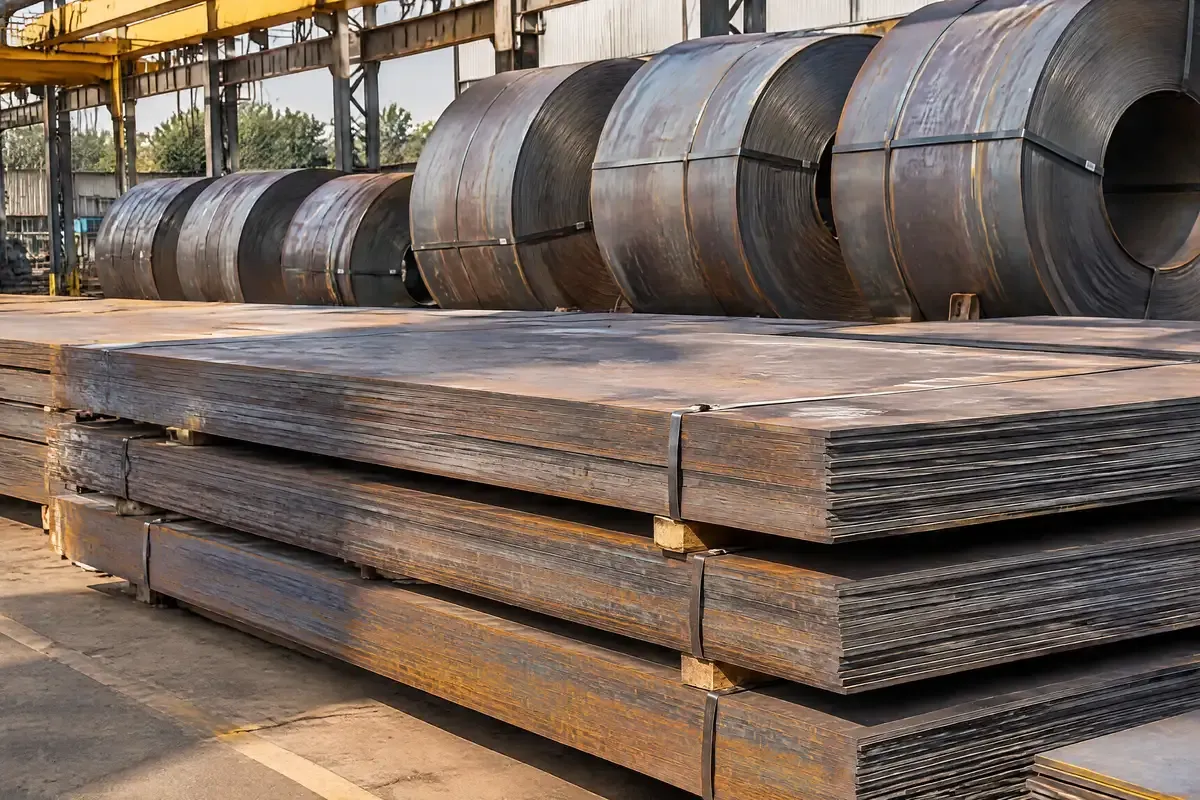
Raw material rate (steel, aluminium, copper, resin) | Material cost of every part using that grade | Procurement, finance |
Bought-out part price | Cost of every assembly using that part | Procurement |
Machine hour rate | Conversion cost of every part made on that machine | Cost engineering, plant finance |
Labour rate | Conversion cost across processes | Cost engineering |
Overhead and profit percentages | Cost of every part and assembly | Finance, management |
Freight, interest and payment terms | Landed cost and carrying cost | Procurement, finance |
Exchange rate | Cost of imported material and parts | Procurement, finance |
Volume | Tool amortisation per piece and cycle cost | Sales, cost engineering |
If you want the background on how rates are built, read how to calculate machine hour rate and why raw material price volatility hits costs.
How does a cost simulation work?
A simulation changes one master value, recalculates every costing that uses it, and shows the difference. Nothing is saved until someone approves it.
Keep every costing linked to shared masters for raw material, bought-out parts, machines, labour, overheads and profit.
Pick the change and its effective date, for example steel up 6%.
Select which costings the change should apply to.
Recalculate each part, then roll the bill of materials up to the finished good.
Review old cost, new cost, difference and percentage for every part and finished good.
Approve and apply the change, or discard it. Keep the old cost version for comparison.
The roll-up in step 4 is the part spreadsheets struggle with, because one steel rate sits inside hundreds of cost sheets.
Tracking steel, resin or aluminium moves across hundreds of cost sheets? Cost It Right simulates a master change and shows the impact up to finished-goods level before you approve it. See how Cost It Right does this or book a demo.
What happens to finished goods cost if steel rises 6 percent?
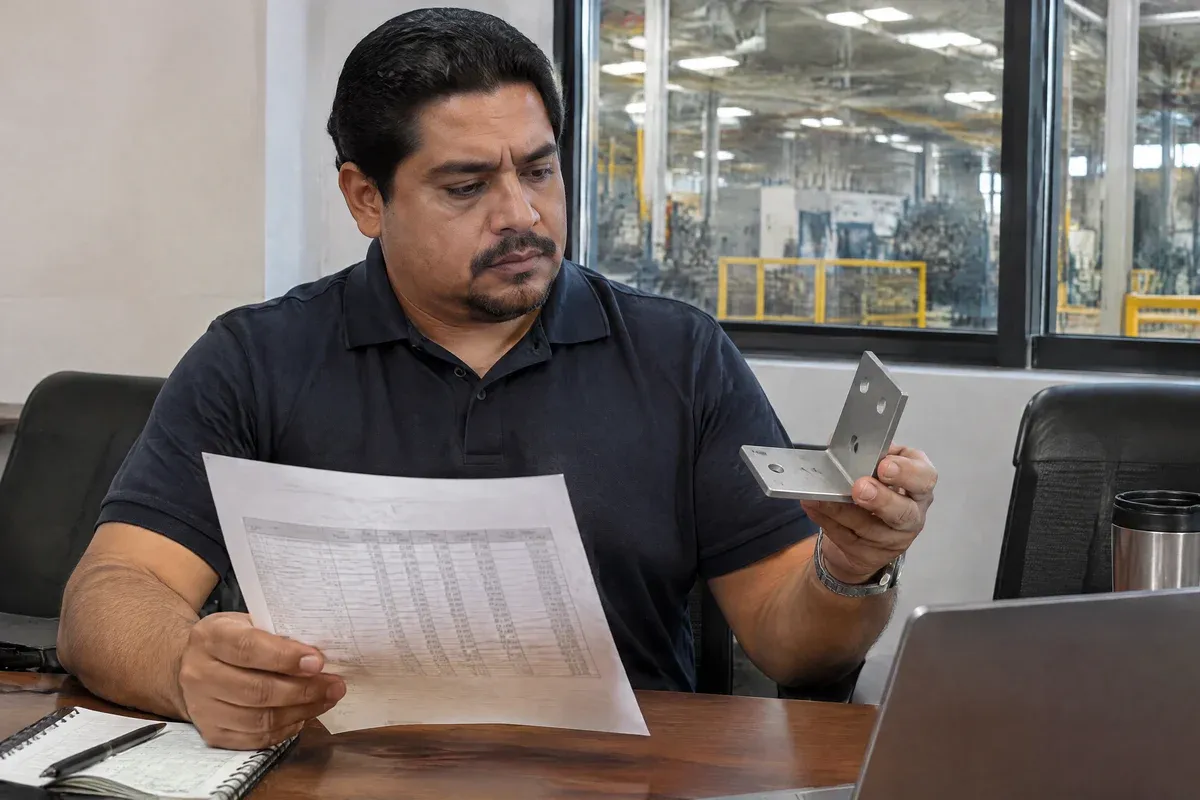
Take a motor mount assembly with three steel parts, one bought-out part and an assembly stage. Every rate below is an assumed example input, not a market price. Overheads are 10% of conversion cost. Profit is 8%, added to each part and to the assembly stage.
Part | Material | Conversion | Overheads | Cost | Price with 8% profit (Rs) |
|---|---|---|---|---|---|
Bracket | 1.10 kg sheet at 62 = 68.20 | 22.00 | 2.20 | 92.40 | 99.79 |
Base plate | 2.40 kg plate at 62 = 148.80 | 38.00 | 3.80 | 190.60 | 205.85 |
Shaft | 0.80 kg bar at 78 = 62.40 | 41.00 | 4.10 | 107.50 | 116.10 |
Bearing and seal (bought out) | 85.00 | ||||
Assembly, test and packing | 18.00 | 1.80 | 25.80 (with 6.00 packing) | 27.86 | |
Finished good | 534.60 |
Now simulate steel up 6%: sheet and plate go from Rs 62 to Rs 65.72 per kg, and bar from Rs 78 to Rs 82.68. The simulation recalculates every line:
Part | Before (Rs) | After (Rs) | Change (Rs) | Change (%) |
|---|---|---|---|---|
Bracket | 99.79 | 104.21 | +4.42 | +4.4% |
Base plate | 205.85 | 215.49 | +9.64 | +4.7% |
Shaft | 116.10 | 120.14 | +4.04 | +3.5% |
Bearing and seal | 85.00 | 85.00 | 0.00 | 0.0% |
Assembly, test and packing | 27.86 | 27.86 | 0.00 | 0.0% |
Finished good | 534.60 | 552.70 | +18.10 | +3.4% |
Steel is up 6% but the finished good is up only 3.4%, because the bought-out part and the conversion cost do not move. The base plate carries 53% of the rise. That tells procurement where to negotiate first.
What if overheads go from 10 percent to 12 percent instead?
Run the same simulation on the overhead master. The finished good goes from Rs 534.60 to Rs 537.18, up Rs 2.58 or 0.48%. The steel rise moves cost about seven times as much, so it deserves the attention.
How do you use a simulation to answer a supplier price increase request?
Suppose the base plate supplier asks for Rs 20 more, from Rs 205.85 to Rs 225.85, an increase of 9.7%, and blames steel. The simulation says a 6% steel rise justifies Rs 9.64 on that part. That leaves Rs 10.36 unexplained. Ask for the supplier's plate weight and steel rate, because a higher weight or rate in their sheet could explain part of it. For the amendment itself, see how bulk price amendments work.
How is a cost simulation tool different from what-if analysis in Excel?
Excel handles a what-if on one cost sheet. It stops working when the same steel rate sits in hundreds of sheets. You must find each sheet, change it, add up the finished goods by hand and keep the old version somewhere. A simulation tool changes the master once, recalculates every linked costing, rolls up to finished goods and holds the old version. For more, read why Excel fails in cost and price calculation.
Who uses a cost simulation tool?
Procurement simulates raw material inflation or deflation across all parts before a price negotiation.
Finance works out the price increase or decrease provision for the year and checks it against budget.
Cost engineering sees how a change in a machine hour rate or process reaches finished goods.
Sales and pricing tests how a change in cost affects the quoted margin.
Engineering checks the cost impact of an engineering change before it is released. Simulation-driven decisions in automotive show this in practice.
What features should a cost simulation tool have?
Simulation on any master: raw material, bought-out parts, process, operations, overheads, profit, freight, interest and payment terms
Impact analysis up to finished-goods level before anything is approved
Choice of which costings the change applies to
Bulk changes by upload, for rate lists with many items
Cost version history and comparison, so the old cost is never lost
Multi-level approval before a simulated change is applied
Effective dates and an audit trail of who changed what
Reports on simulation results, and a link to your ERP, PLM and CAD data
How does Cost It Right do cost simulation?
Cost It Right (CIR) is costing software for every job in the cost chain, not one use case. Simulation sits beside the rest of the product:
Simulation based on master changes in raw material, bought-out parts, process, operations, overheads, profit, interest, payment terms and freight
impact analysis up to finished-goods level before approval
selection of the costings the simulation changes apply to, and bulk changes by Excel upload
calculation on old overhead and profit costs when you need them
multi-level simulation approval workflow, with a simulation insight report
part and product costing for 24+ technologies, with cost version history and comparison
machine hour rate, labour, overheads and profit masters
raw material indexation with commodity price index (LME) and multiple external indexes, plus bulk price amendments
supplier quote comparison against should-cost, vendor RFQ portal and reverse auction
BOM costing, ERP, PLM and CAD integration, with audit trail
In the example above, that means the steel change reaches the bracket, base plate and shaft, rolls up to the motor mount, and waits for approval before any price changes.
See your own steel, aluminium or overhead change simulated in Cost It Right. Book a demo.
FAQs
What is a cost simulation tool?
A cost simulation tool recalculates costings after you change an input such as a raw material rate, machine hour rate, overhead or exchange rate. It shows the new cost of each part and finished good before you approve the change, so you can see the impact first.
What can a cost simulation tool simulate in manufacturing?
Anything held as a rate or percentage in a cost sheet: raw material and bought-out part prices, machine hour and labour rates, overheads, profit, freight, interest, payment terms, exchange rates and volume. The tool recalculates every costing that uses the changed value.
How does cost simulation work?
You change one master value, pick the costings it applies to, and the tool recalculates each part and rolls the bill of materials up to the finished good. You review old cost, new cost and difference, then approve and apply the change or discard it.
What is the difference between cost simulation and what-if analysis in Excel?
Excel works for a what-if on one cost sheet. A simulation tool changes a shared master once, recalculates every linked costing, rolls up to finished goods and keeps the old version. With hundreds of sheets, Excel needs manual edits and loses version history.
How much does a 6 percent steel price rise change finished goods cost?
In the worked example, a 6% steel rise moves the motor mount assembly from Rs 534.60 to Rs 552.70, an increase of Rs 18.10 or 3.4%. It is less than 6% because the bought-out part and conversion costs do not change.
Why are cost simulation tools important for manufacturing?
Input costs change faster than cost sheets get updated. A simulation shows what a steel, machine rate or overhead change does to every part and finished good before you approve it, so teams negotiate, price and budget with numbers. In the example, steel alone adds Rs 18.10.
How do I check a supplier's price increase request with a simulation?
Simulate the claimed input change on that part, then compare. In the example, a 6% steel rise justifies Rs 9.64 on the base plate, so a Rs 20 request leaves Rs 10.36 unexplained. Ask the supplier for its weight and steel rate.
Who uses a cost simulation tool?
Procurement uses it before price negotiations, finance for price increase provisions, cost engineering for machine rate changes, sales for margin checks and engineering for the cost impact of design changes. It suits any team that has to answer what a change does to cost.
What is impact analysis in cost simulation?
Impact analysis shows how a change reaches every affected part and assembly, up to finished-goods level, before it is approved. It lists old cost, new cost and percentage change, so you see which parts carry most of the increase and where to negotiate first.
What features should a cost simulation tool have?
Look for simulation on any master, impact analysis to finished goods, choice of which costings to change, bulk changes, cost version history, multi-level approval, effective dates, an audit trail, reports on simulation results and links to ERP, PLM and CAD data.
Is design-stage cost simulation the same as master-change simulation?
No. Design-stage simulation estimates what a new design will cost to make from its CAD model, material and process. Master-change simulation shows what happens to costs you already have when a rate moves. Many teams need both, for different questions.
How does Cost It Right help with cost simulation?
Cost It Right simulates changes in raw material, bought-out parts, process, overheads, profit, freight and payment terms, with impact analysis up to finished goods before approval. It adds bulk changes, multi-level approval, cost version history and a simulation insight report.
Related Articles
Nov 11, 2026 • 6 min read
How to Calculate Tooling Cost per Piece
How to calculate tooling cost per piece: formula, a worked example in rupees, maintenance, interest and volume effects. See it in Cost It Right.
Oct 28, 2026 • 12 min read
Bulk Price Amendments: How to Update Part Costs and Supplier Prices After a Raw Material Change
Learn how to run a bulk price amendment after a raw material price change: formula, worked example in rupees, 7 steps, and common mistakes.
Apr 20, 2026 • 3 min read
How Simulation-Driven Decision Making is Transforming Automotive Manufacturing
Automotive manufacturing is entering a new phase, one where decisions can no longer rely on past data or intuition alone. Rising cost pressure, supply chain vol